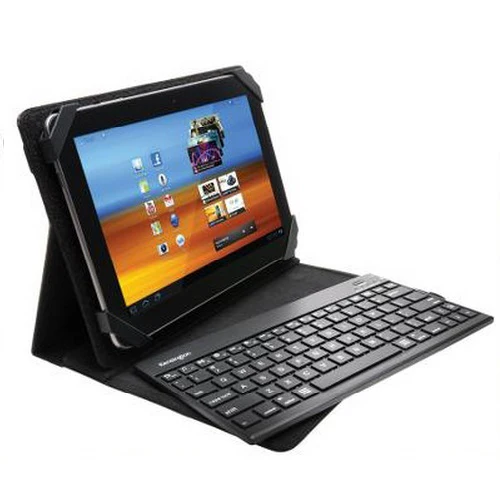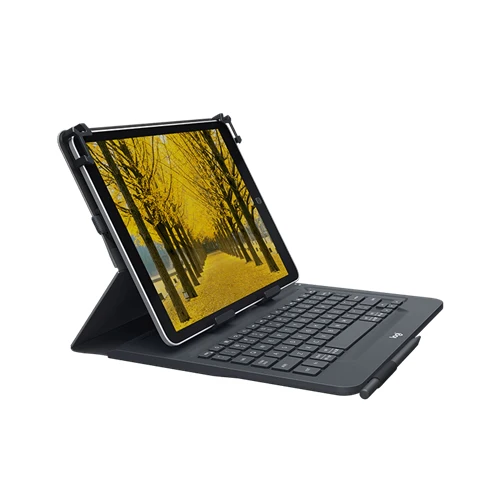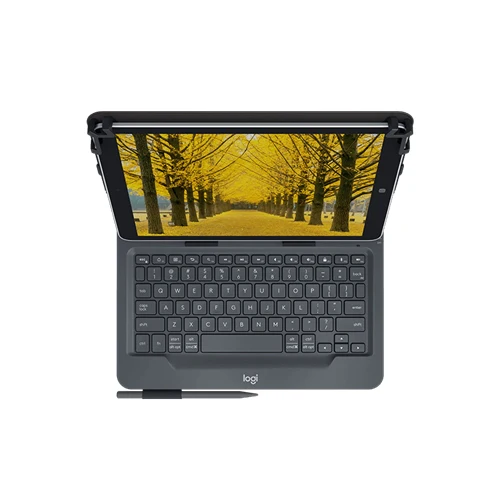
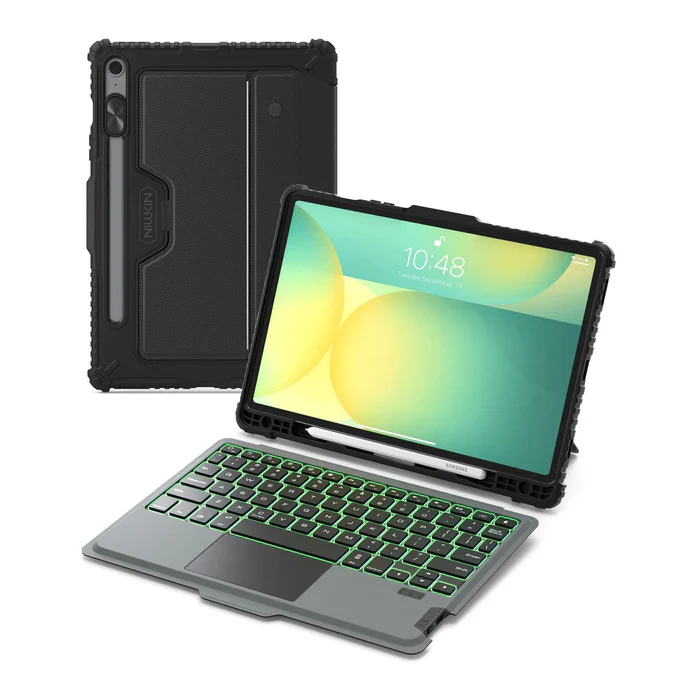
Rugged Detachable Keyboard & Trackpad Case Samsung Tab S9 / S10 FE - Black
Smart Backlight & Precision Touchpad
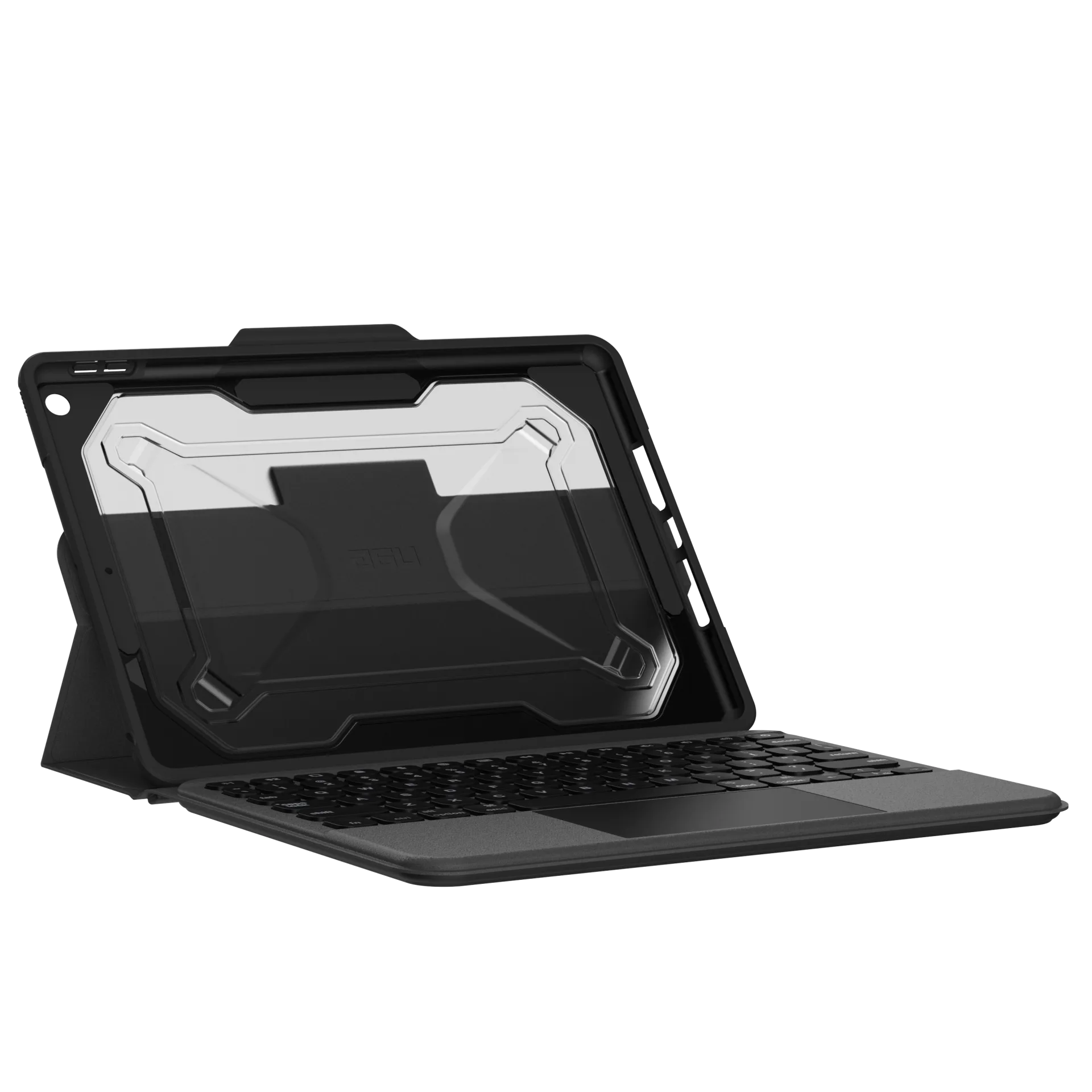
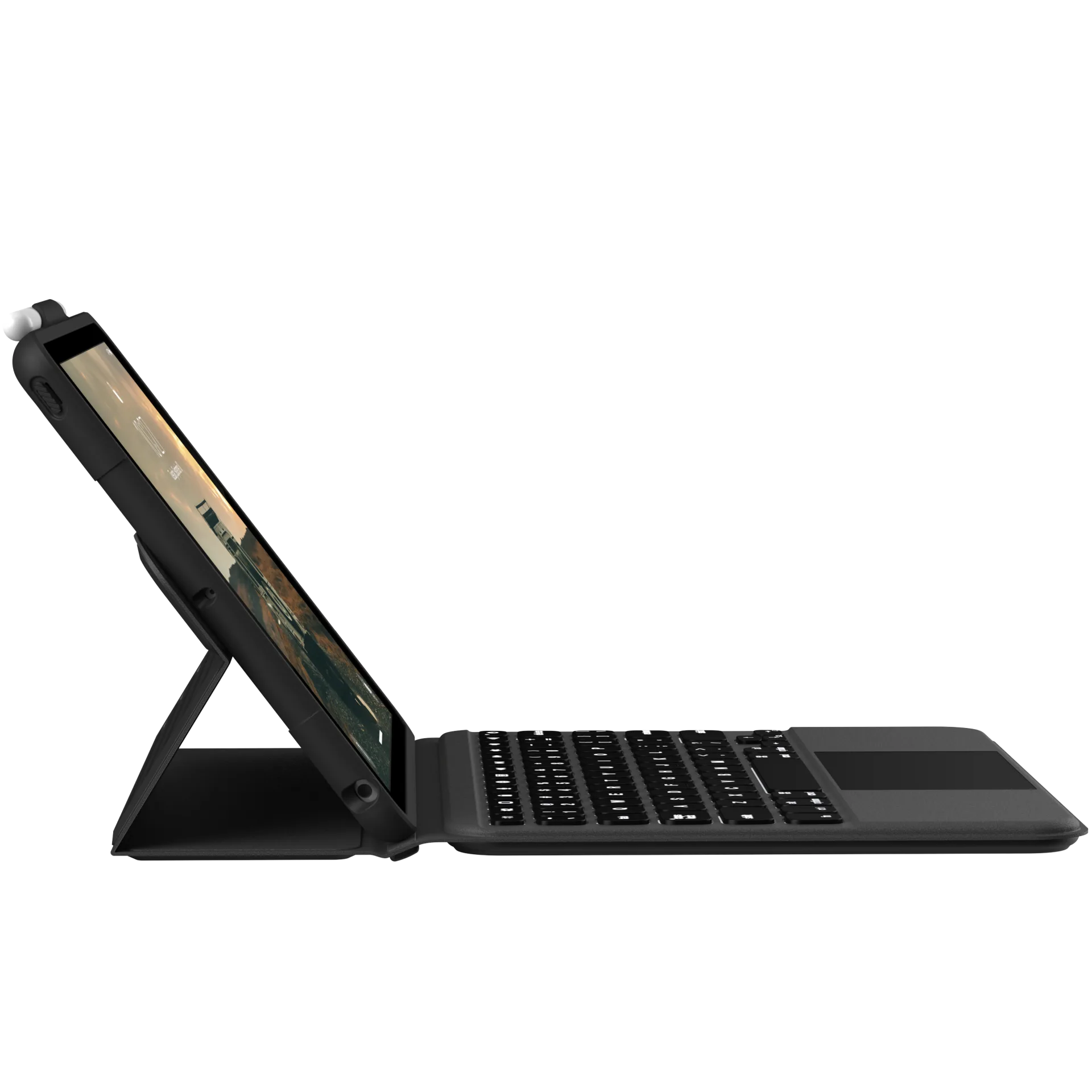
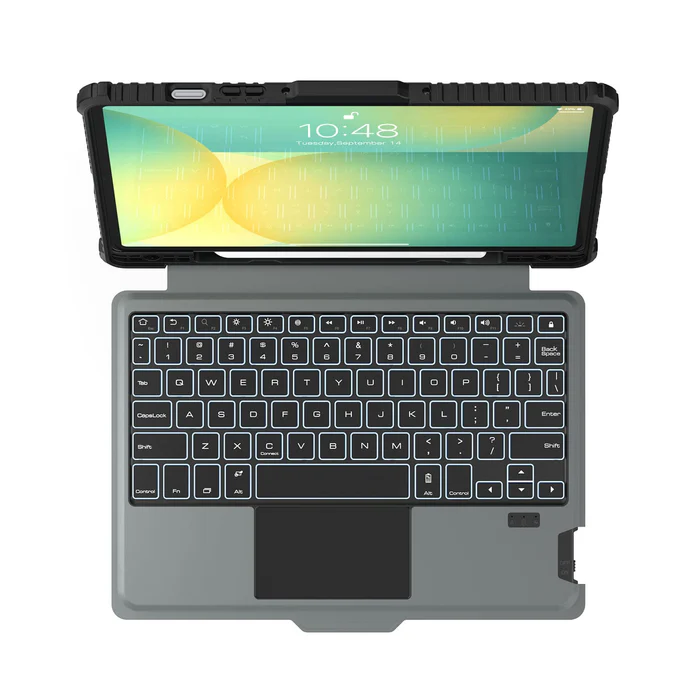
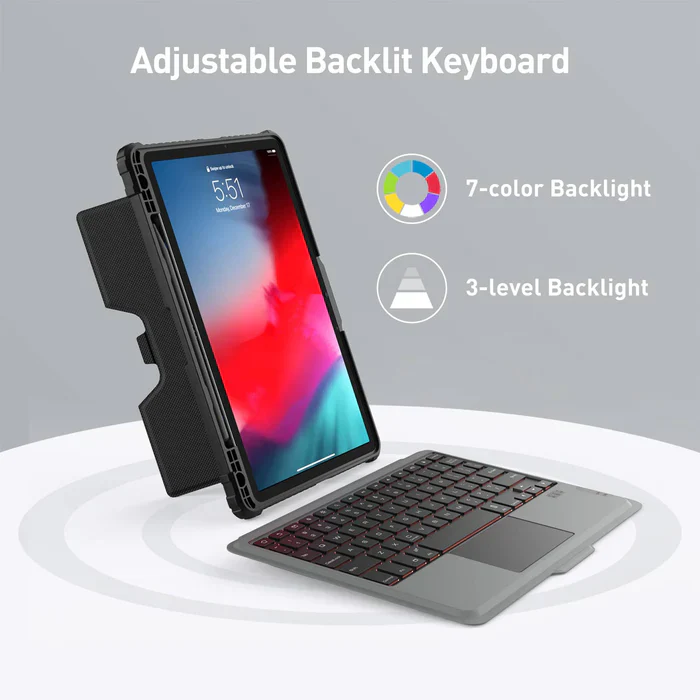
The case features a rechargeable backlit keyboard with 7 colors and 4 brightness levels, allowing you to easily use your Samsung Tablet even in a dark environment. The keyboard is quiet and comfortable for typing, and the built-in highly sensitive trackpad enables smooth scrolling, swiping, and more. With the Anti-Mistouch Technology trackpad, bid farewell to cursor distractions while typing.
Ultimate Protection
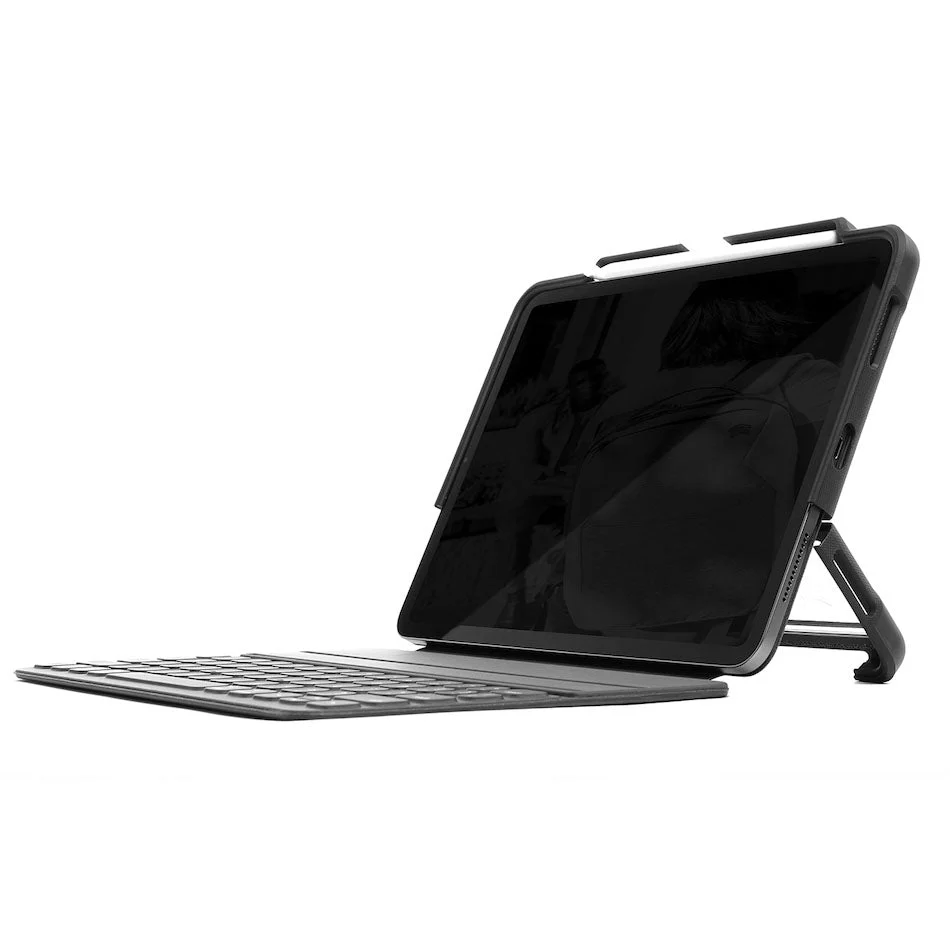
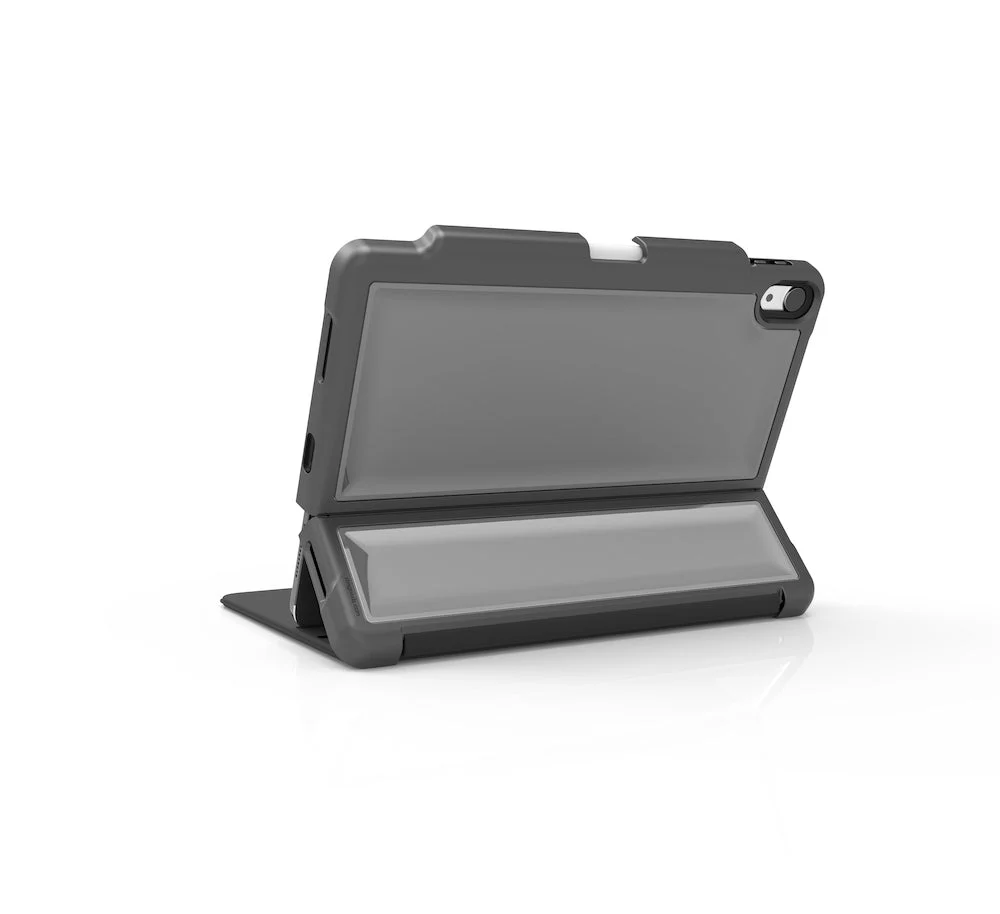
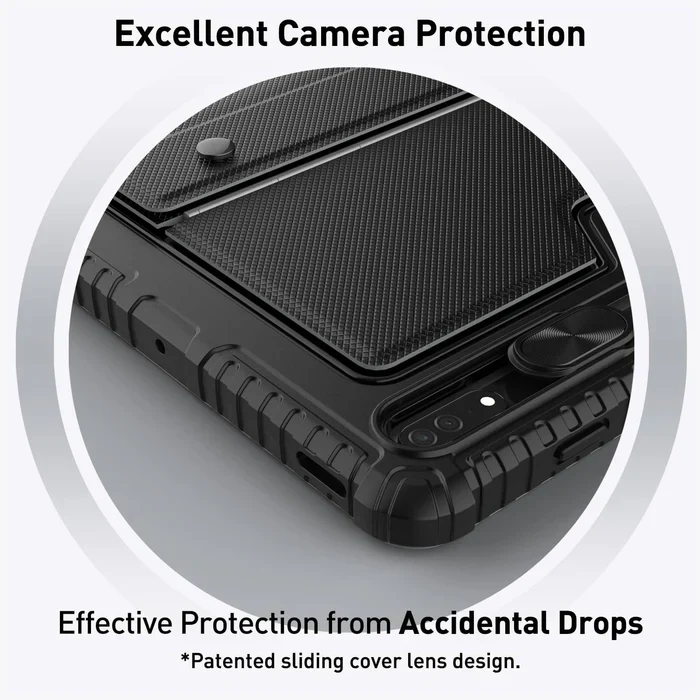
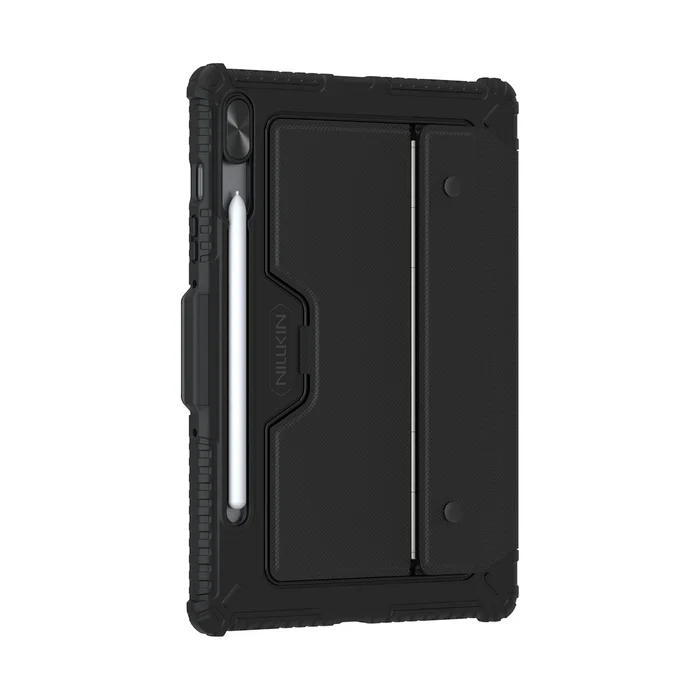
This keyboard case provides the ultimate combination of functionality and protection. Its durable keyboard base, precisely formed hardbound case, and sliding camera cover offer unparalleled safeguarding and privacy for your Samsung Tablet during use.
Versatile Viewing
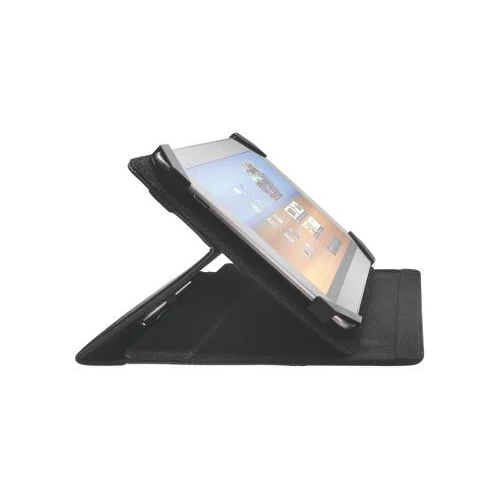
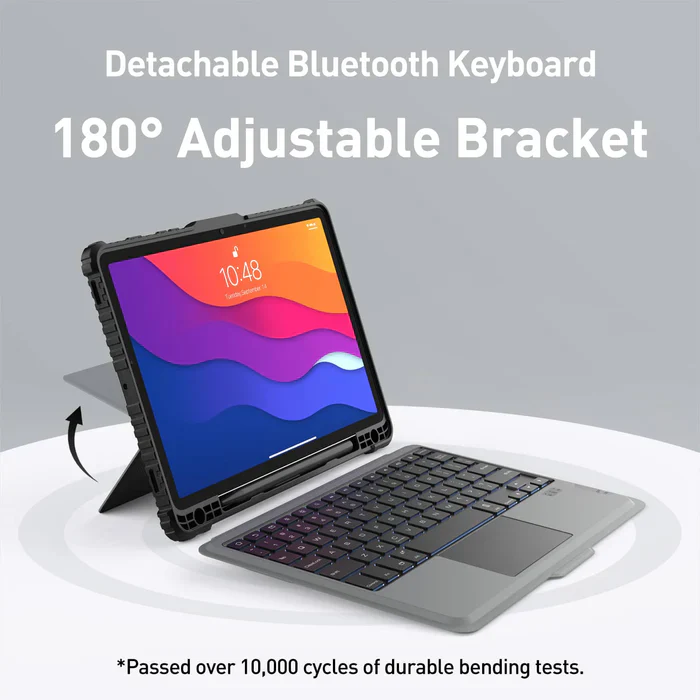
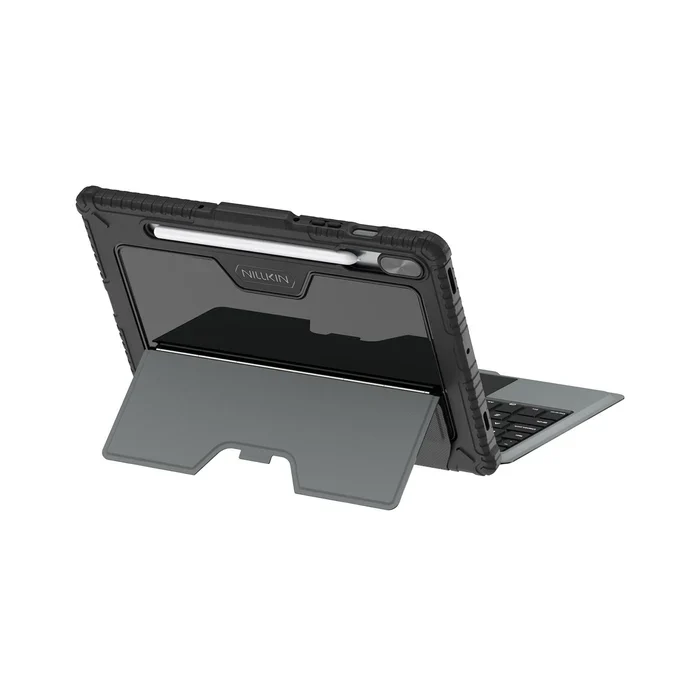
The keyboard case boasts an array of impressive features, including a flexible kickstand that provides multiple tilt angles to perfectly align with your tasks. Whether you're working, watching movies, or browsing the web, you can find the ideal viewing angle. Plus, the detachable 5th-generation keyboard allows you to remove the keyboard for immersive screen enjoyment when typing is not required.
Smart Power Management
After a 2-3 hour full charge, the keyboard case stands by for 180 days. When you close the keyboard case or after 10 minutes of inactivity, the keyboard enters sleep mode.
Tech Specs
- Connectivity Technology: Bluetooth
- Keyboard Description: Wireless
- Recommended Uses For Product: Multimedia, Video Editing, Everyday Use, Personal, Student, Gaming, Business
- Special Feature: Sliding Camera Cover, Portable, Backlit, Hotkeys and Media Keys, Trackpad
- Number of Keys: 78
- Keyboard Backlighting Color Support: RGB
Bluetooth keyboard - How to pair the first initial connection?
- Step 1: Slide the power switch to On position (on the keyboard), Power indicator will light on for 3 seconds, then off.
- Step 2: Press FN + Connect, Bluetooth indicator flashes to enter the pairing search mode.
- Step 3: Turn on the Bluetooth setting on the iPad then it will automatically search for Bluetooth devices
- Step 4: Find the bluetooth keyboard and click connect
- Step 5: After successful connection, the device will show as connected and Bluetooth pairing light indicator (on keyboard) will turn off automatically
Once paired, the next time keyboard & Tablet Bluetooth is turn on, they will be connected automatically.
FAQ
Q: What do I need to pay attention to when I use it for the first time?
A: When using the keyboard case for the first time, you need to press the FN + C keys to activate the Bluetooth pairing function. Once the Bluetooth connection is established, you no longer need to use this key combination.
Q: Does the keyboard charge with a USB-C cable?
A: Yes it does.
Q: How can I confirm if the keyboard is fully charged?
A: If you plug the Type-C charging cable into the keyboard, the power indicator will turn red when charging and turn off after being fully charged.
Q: Can the Tablet case close/cover the screen with the keyboard on? Or should the keyboard be separate when traveling?
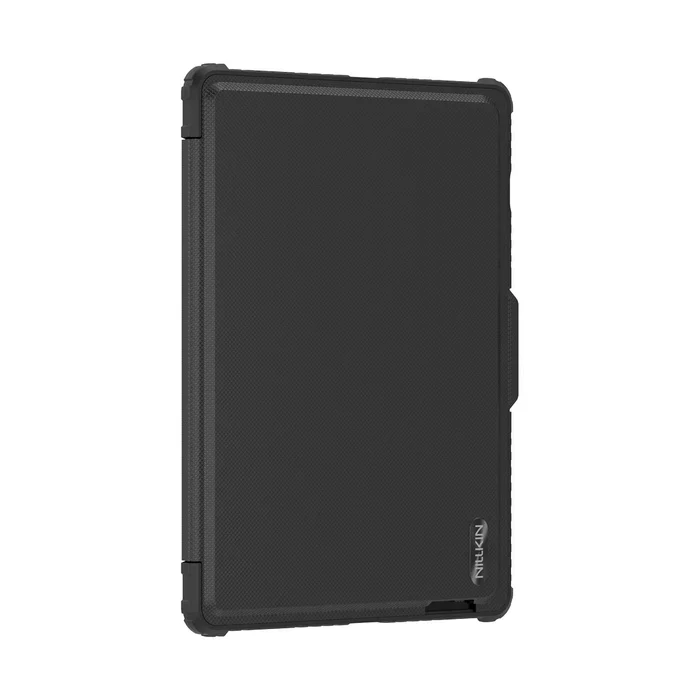
A: The case can close very nicely with the keyboard tucked inside.
Q: How effective is the sliding camera cover of this keyboard case?
A: When you’re not using the device, you simply slide it over the camera, and it provides excellent privacy protection.
Compatible:
- Samsung Tab S9 Model SM-X710/X716B/X718U
- Samsung Tab S10 FE Model SM-X520/X526B
NOT Compatible Samsung Tab S9 Plus SM-X810 / S10 Plus SM-X820
NOT Compatible Samsung Tab S9 Ultra/ S10 Ultra
Original: $86.82
-70%$86.82
$26.05Product Information
Product Information
Shipping & Returns
Shipping & Returns
Description
Smart Backlight & Precision Touchpad
The case features a rechargeable backlit keyboard with 7 colors and 4 brightness levels, allowing you to easily use your Samsung Tablet even in a dark environment. The keyboard is quiet and comfortable for typing, and the built-in highly sensitive trackpad enables smooth scrolling, swiping, and more. With the Anti-Mistouch Technology trackpad, bid farewell to cursor distractions while typing.
Ultimate Protection
This keyboard case provides the ultimate combination of functionality and protection. Its durable keyboard base, precisely formed hardbound case, and sliding camera cover offer unparalleled safeguarding and privacy for your Samsung Tablet during use.
Versatile Viewing
The keyboard case boasts an array of impressive features, including a flexible kickstand that provides multiple tilt angles to perfectly align with your tasks. Whether you're working, watching movies, or browsing the web, you can find the ideal viewing angle. Plus, the detachable 5th-generation keyboard allows you to remove the keyboard for immersive screen enjoyment when typing is not required.
Smart Power Management
After a 2-3 hour full charge, the keyboard case stands by for 180 days. When you close the keyboard case or after 10 minutes of inactivity, the keyboard enters sleep mode.
Tech Specs
- Connectivity Technology: Bluetooth
- Keyboard Description: Wireless
- Recommended Uses For Product: Multimedia, Video Editing, Everyday Use, Personal, Student, Gaming, Business
- Special Feature: Sliding Camera Cover, Portable, Backlit, Hotkeys and Media Keys, Trackpad
- Number of Keys: 78
- Keyboard Backlighting Color Support: RGB
Bluetooth keyboard - How to pair the first initial connection?
- Step 1: Slide the power switch to On position (on the keyboard), Power indicator will light on for 3 seconds, then off.
- Step 2: Press FN + Connect, Bluetooth indicator flashes to enter the pairing search mode.
- Step 3: Turn on the Bluetooth setting on the iPad then it will automatically search for Bluetooth devices
- Step 4: Find the bluetooth keyboard and click connect
- Step 5: After successful connection, the device will show as connected and Bluetooth pairing light indicator (on keyboard) will turn off automatically
Once paired, the next time keyboard & Tablet Bluetooth is turn on, they will be connected automatically.
FAQ
Q: What do I need to pay attention to when I use it for the first time?
A: When using the keyboard case for the first time, you need to press the FN + C keys to activate the Bluetooth pairing function. Once the Bluetooth connection is established, you no longer need to use this key combination.
Q: Does the keyboard charge with a USB-C cable?
A: Yes it does.
Q: How can I confirm if the keyboard is fully charged?
A: If you plug the Type-C charging cable into the keyboard, the power indicator will turn red when charging and turn off after being fully charged.
Q: Can the Tablet case close/cover the screen with the keyboard on? Or should the keyboard be separate when traveling?
A: The case can close very nicely with the keyboard tucked inside.
Q: How effective is the sliding camera cover of this keyboard case?
A: When you’re not using the device, you simply slide it over the camera, and it provides excellent privacy protection.
Compatible:
- Samsung Tab S9 Model SM-X710/X716B/X718U
- Samsung Tab S10 FE Model SM-X520/X526B
NOT Compatible Samsung Tab S9 Plus SM-X810 / S10 Plus SM-X820
NOT Compatible Samsung Tab S9 Ultra/ S10 Ultra